
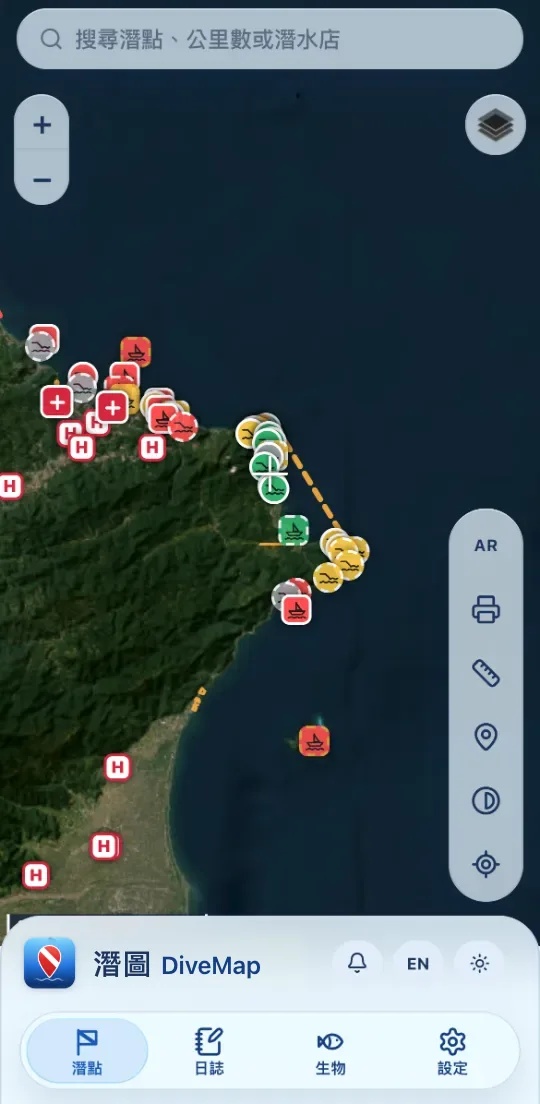
功能
出發前,該看的都在這裡
從找潛點、看預報,到確認入水規定與最近的醫院,每一步都給你參考。
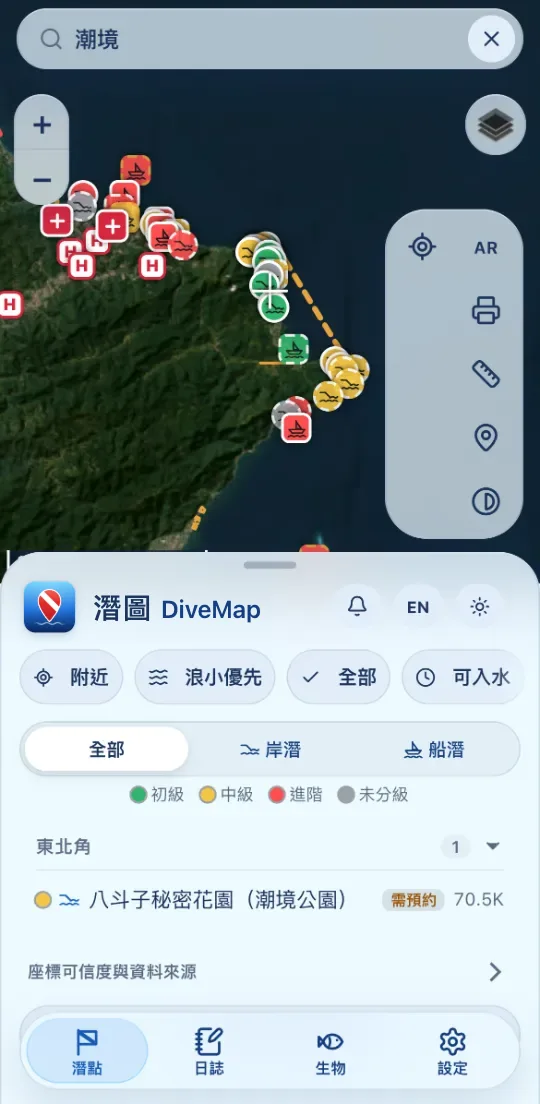
搜尋潛點
打名稱、公里數或潛水店,一秒找到。潛點卡片整理岸潛/船潛、難度、深度與季節等資訊。
 示意畫面
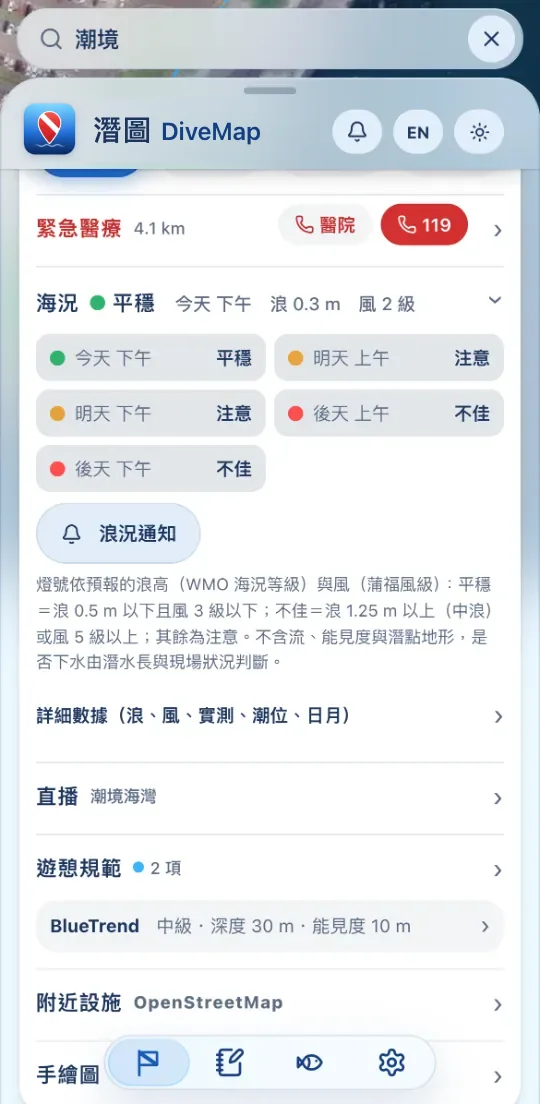
示意畫面海況燈號,給你參考
依預報的浪高與風,把三天的上午、下午分成平穩・注意・不佳,一眼看完;也能看潮位、浪、風的詳細數據。
燈號僅供參考,不含流況、能見度與潛點地形;是否下水,請依潛水長與現場狀況判斷。
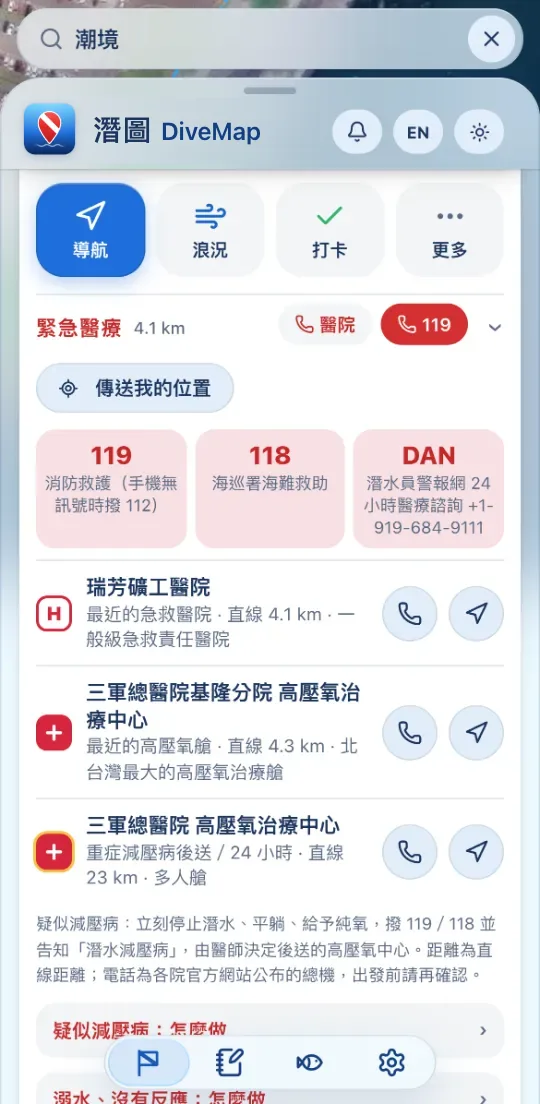
入水規定・緊急醫療
開放期間、入水時段、是否需要預約,連同最近的急救醫院與高壓氧中心,一起整理在潛點卡片上,可以直接撥打或導航。
緊急醫療資訊不能取代專業醫療;緊急時請撥 119/118。
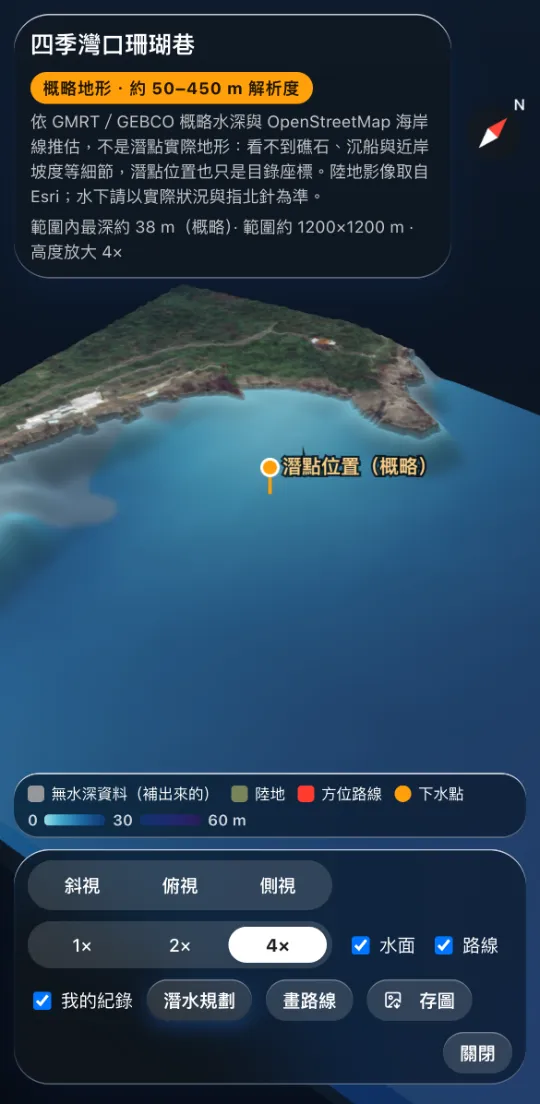
3D 海底地形
下水前,先看海底。依 GMRT/GEBCO 公開水深資料與海岸線推估的概略地形,可以旋轉、縮放、從不同角度看。
概略地形看不到礁石與沉船等細節,水下請以實際狀況與指北針為準。
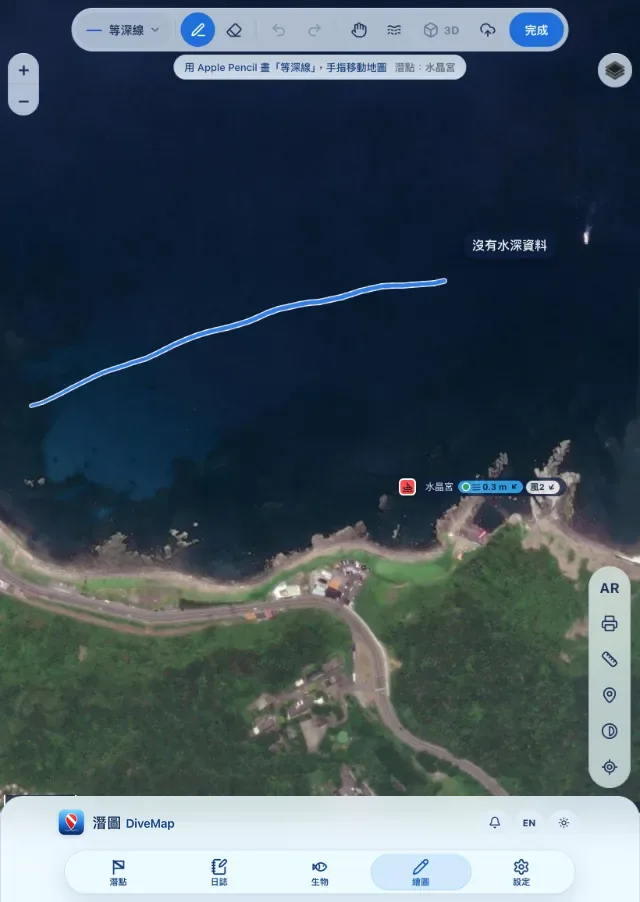
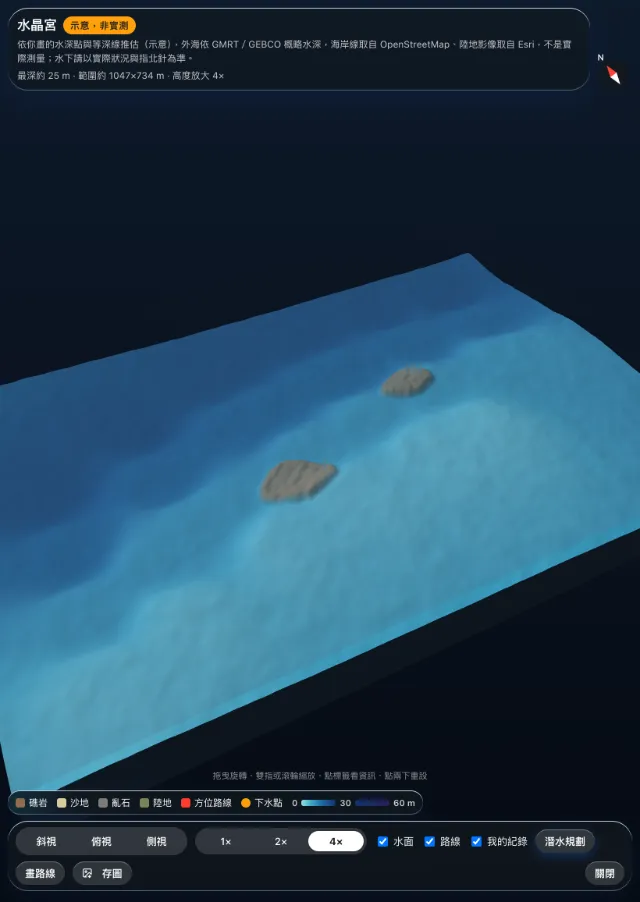
iPad+Apple Pencil 筆繪
用 Apple Pencil 畫等深線、標礁區,手指照常移動地圖;畫完立刻變成 3D 預覽,整理自己的潛點筆記。
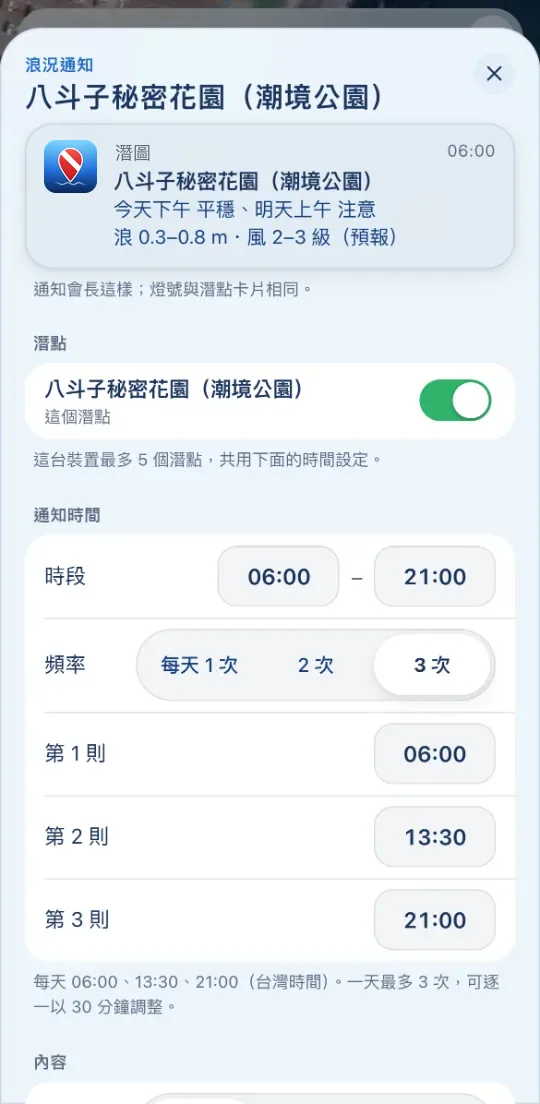 示意畫面
示意畫面浪況通知
選好想去的潛點,每天最多 3 次、時間自己選,海況燈號主動送到手機。通知內容與潛點卡片的燈號相同,一樣給你參考。
加入主畫面
免安裝,打開就能用
不用到 App Store 或 Google Play 下載。加入主畫面後,像 App 一樣全螢幕開啟,離線也能查看。
iPhone/iPad
- 用 Safari 開啟 divemap.app
- 點下方的「分享」按鈕
- 選「加入主畫面」→「新增」
Android
- 用 Chrome 開啟 divemap.app
- 點「安裝」,或右上選單 ⋮
- 選「安裝應用程式」或「加到主畫面」
隱私
你的紀錄,留在你的手機
- 不登入也能使用全部功能,日誌、筆記與設定只存在你的手機(瀏覽器)裡,我們收不到。
- Google 登入是選用的;登入後,你主動送出或開啟同步的資料才會存到伺服器。
- 不賣、不出租你的資料,也不放廣告追蹤。
- 可以隨時匯出或刪除帳號資料。
潛點位置、3D 地形、海況與潮汐預報都是參考資料,可能有誤或過時。下水前,請依現場狀況、當地規定、潛店與教練的判斷,並在自己的訓練與經驗範圍內潛水。
ENGLISH
DiveMap 潛圖
A free web app for finding dive sites in Taiwan. No download needed: open it in your browser and add it to your Home Screen to use it like an app, even offline. Switch the app to English with the EN button.
- Search sites by name, highway km or dive shop.
- Sea lights: Calm, Caution or Rough for 3 days, based on forecast waves and wind, for reference only. Whether to dive is up to your dive leader and on-site conditions.
- Entry rules and emergency care: permits, the nearest ER and hyperbaric chamber.
- 3D seabed: rough terrain estimated from public bathymetry. On iPad, sketch depth contours with Apple Pencil and preview them in 3D.
- Sea alerts: up to 3 a day, at times you choose.
- Install: iPhone, Safari → Share → Add to Home Screen. Android, Chrome → Install.
- Privacy: no sign-in required; your records stay on your device. Privacy & terms